
Browse a real catalog
Find sounds by type, mood, family, and title without losing your place.
Browse ambient sounds, Music, and Sessions. Build one mix, download what you want, and keep listening offline.
Browse · Music · Sessions · Library · Mix
Keep a sound, a track, or a guided session close. Auralayer brings them together in one mix with simple controls.
Find sounds by type, mood, family, and title without losing your place.
Download supported audio once, then play its local copy when you are away from a connection.
Set a fade-out time and let the mix wind down when you are ready.
Adjust each layer, save your arrangement, and return to the soundscape you made.
Real Auralayer screens, arranged in a simple rhythm so each step has room to explain itself.
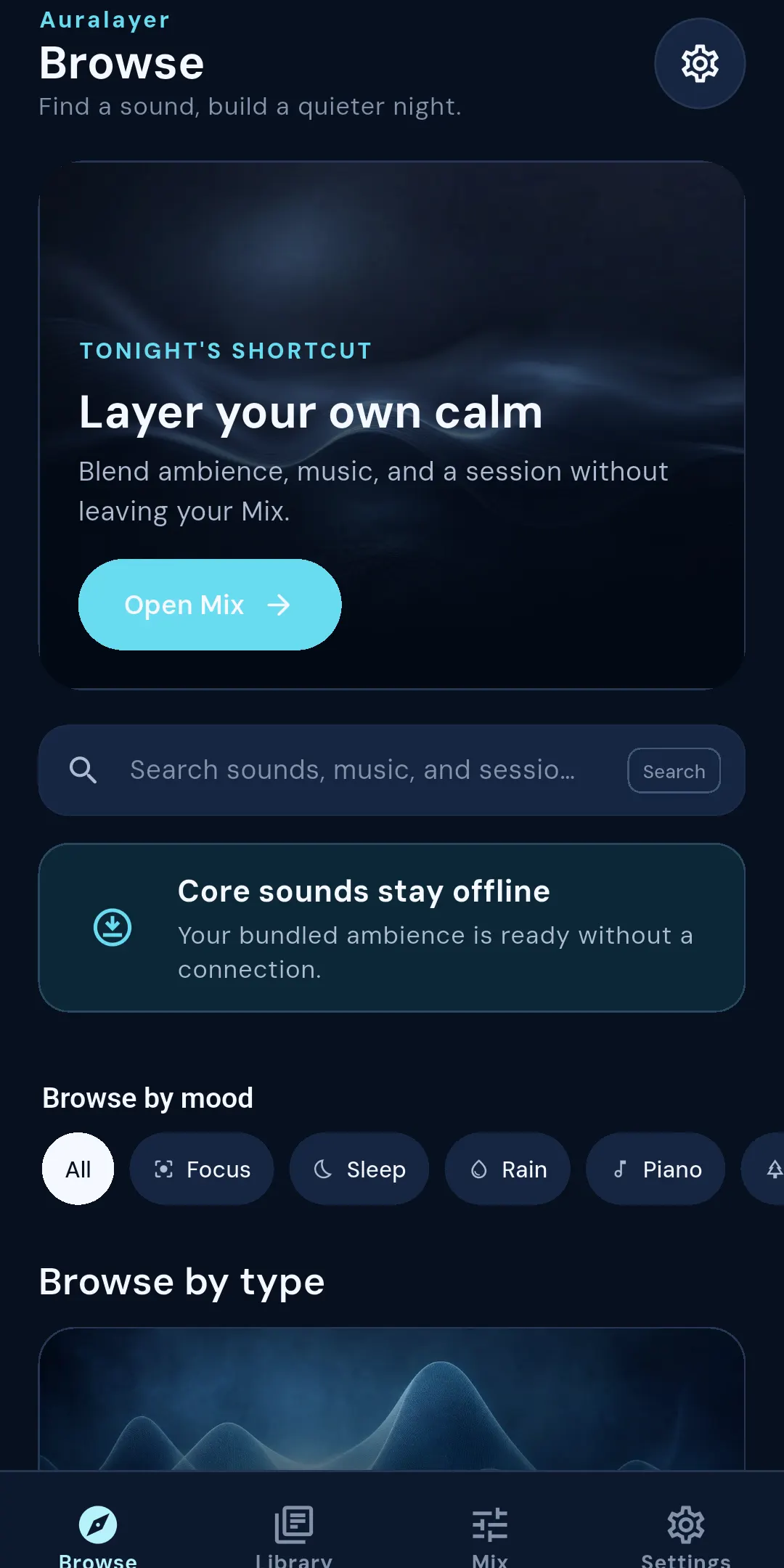
Browse ambient sounds, Music, and Sessions from one calm hub. Search when you know the title, or follow the mood and type paths when you want to explore.
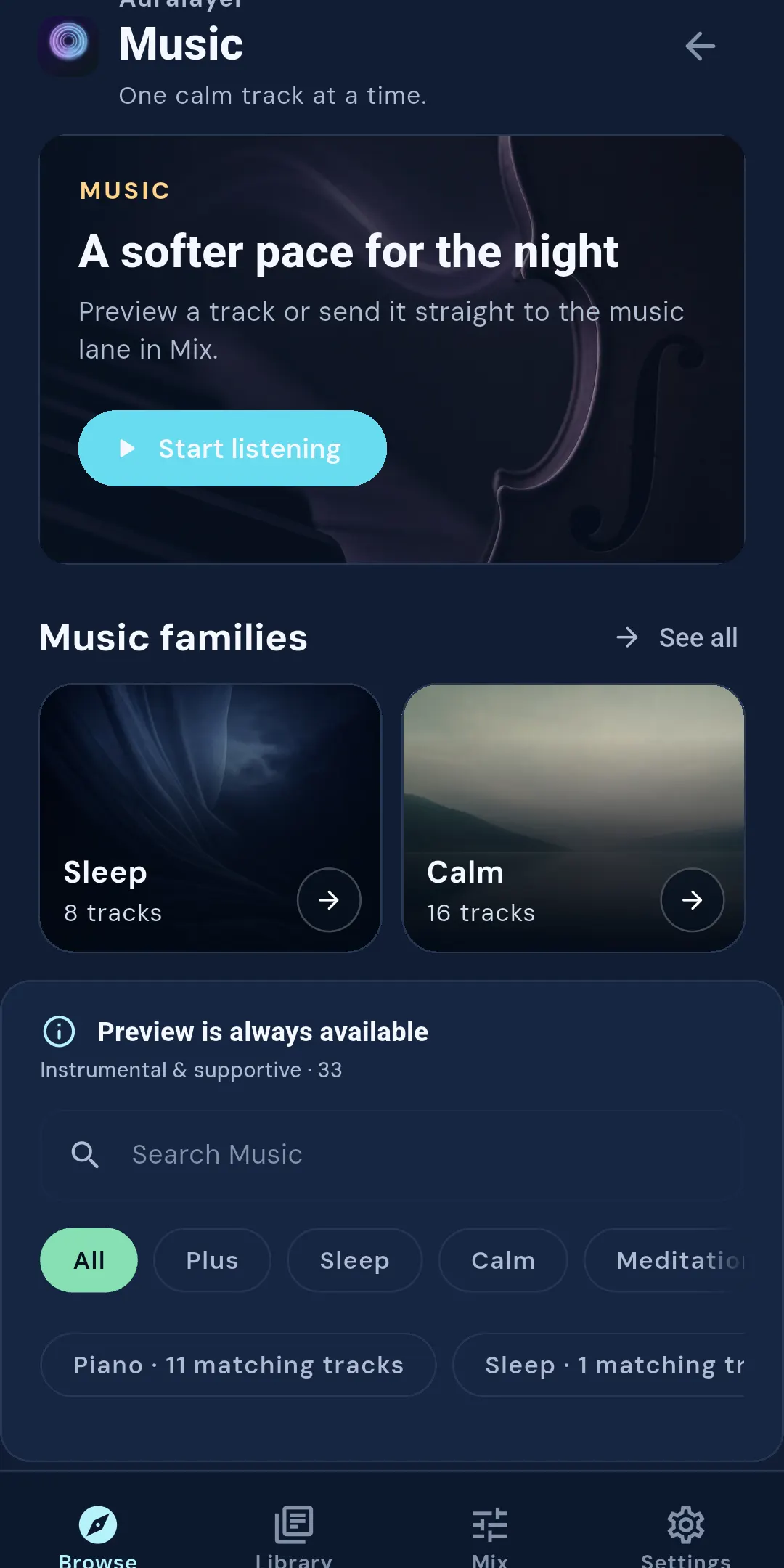
Music has its own lane for focused listening. Preview a track, download a supported local copy, or send it to Mix when it belongs beside your ambience.
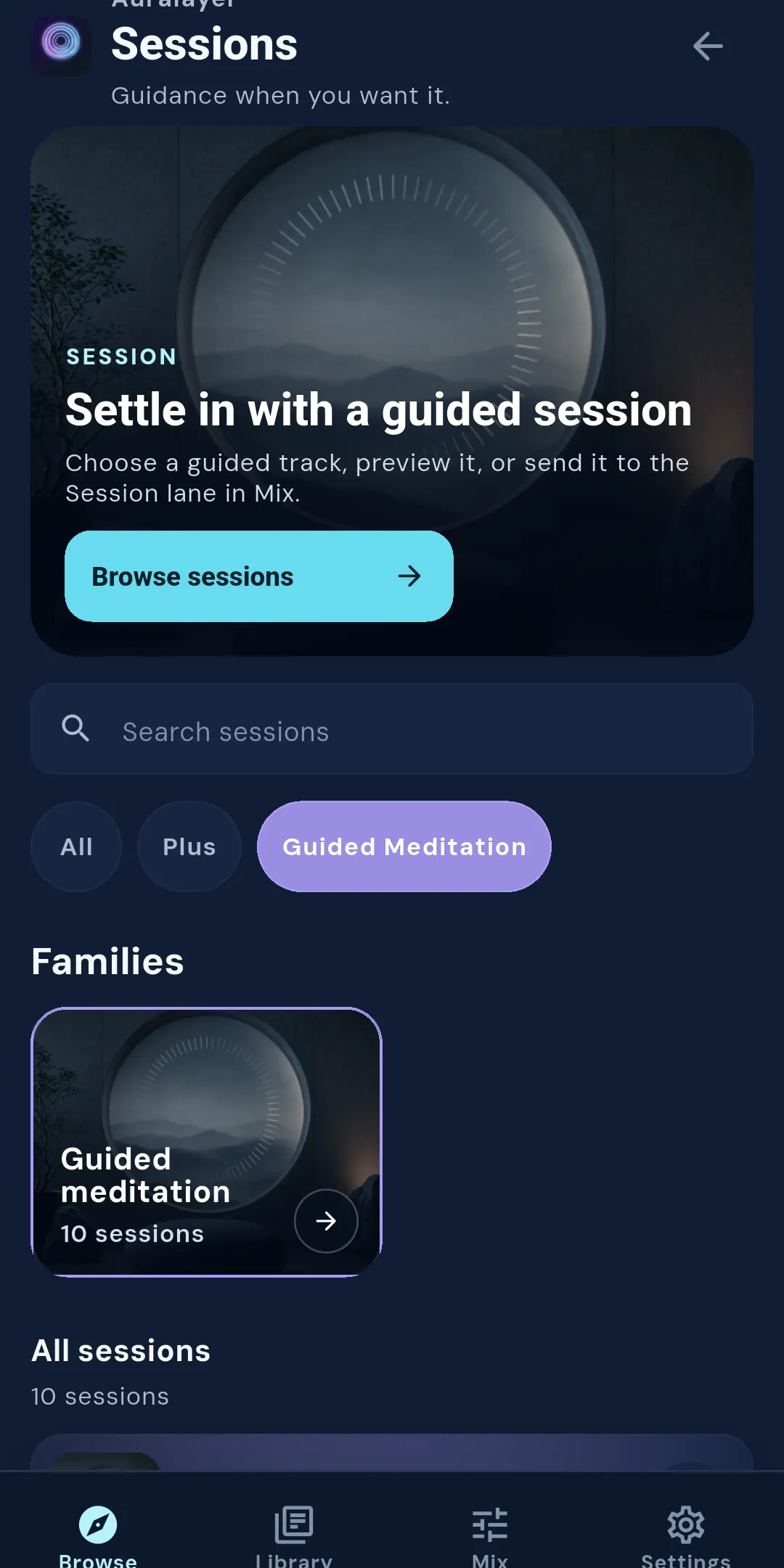
Sessions gives longer-form listening a clear home. Browse guided families, preview a session, and keep the choice separate from your ambient layers until you are ready.
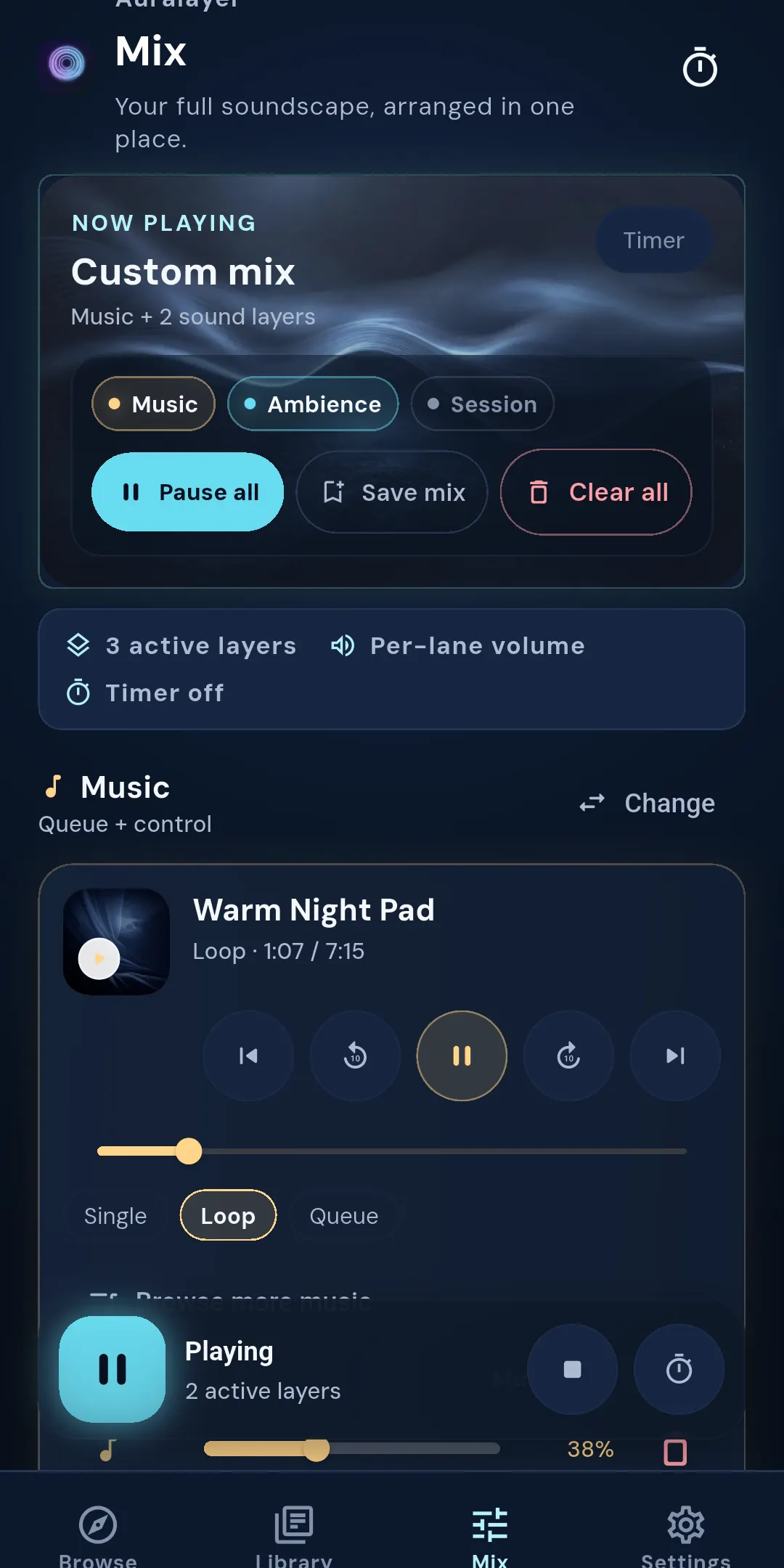
Mix is where the pieces become yours. Balance Music, Ambience, and Session lanes independently, save the arrangement, and keep playback going in the background.
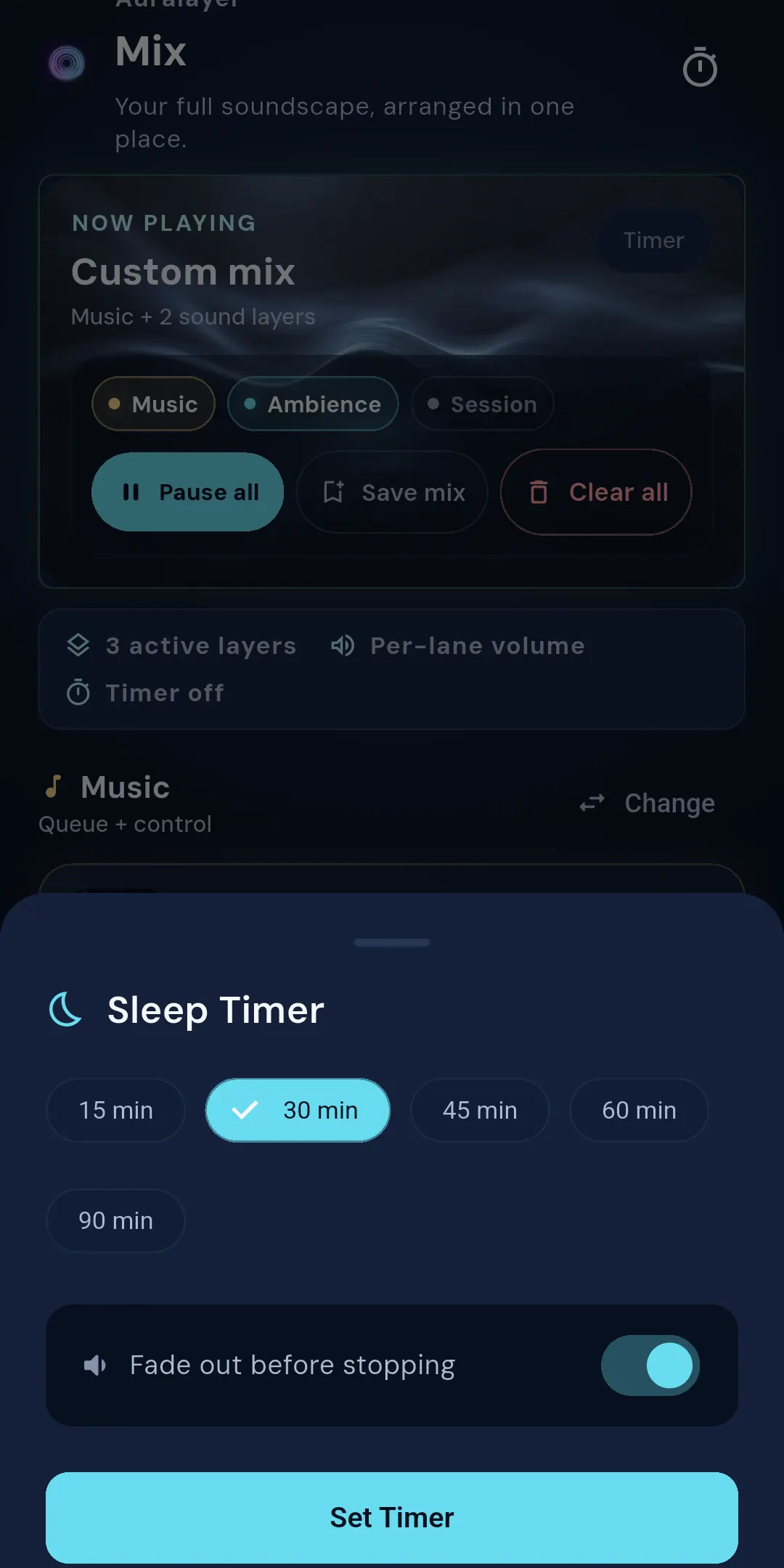
Set a duration, choose fade-out, and leave the rest to the app. The timer gives the mix a clear ending without adding another screen to manage.
Start with a sound family, a music collection, or a guided session.
Preview what is available, download a local copy when supported, and save what you want nearby.
Set your layers and volumes, then keep the mix playing in the background or on the lock screen.
Rain, Water, Wind & weather, White noise, Nature, and Calm give you a familiar place to begin. Bundled sounds remain available without a network connection.
Install Auralayer and build a mix that fits your evening, your focus time, or your quiet morning.
Install for AndroidAvailable through Google Play.